Use this guide when you want to change how 10nx behaves: for you everywhere, for everyone working in a repo, or just for you in one repo.
10nx keeps settings in three TOML files. The Settings window reads and writes them, and you can edit them by hand too: a change made in an editor applies the next time 10nx reads the file, with no restart.
Before you start
You need a workspace open, if you're changing a repo's settings.
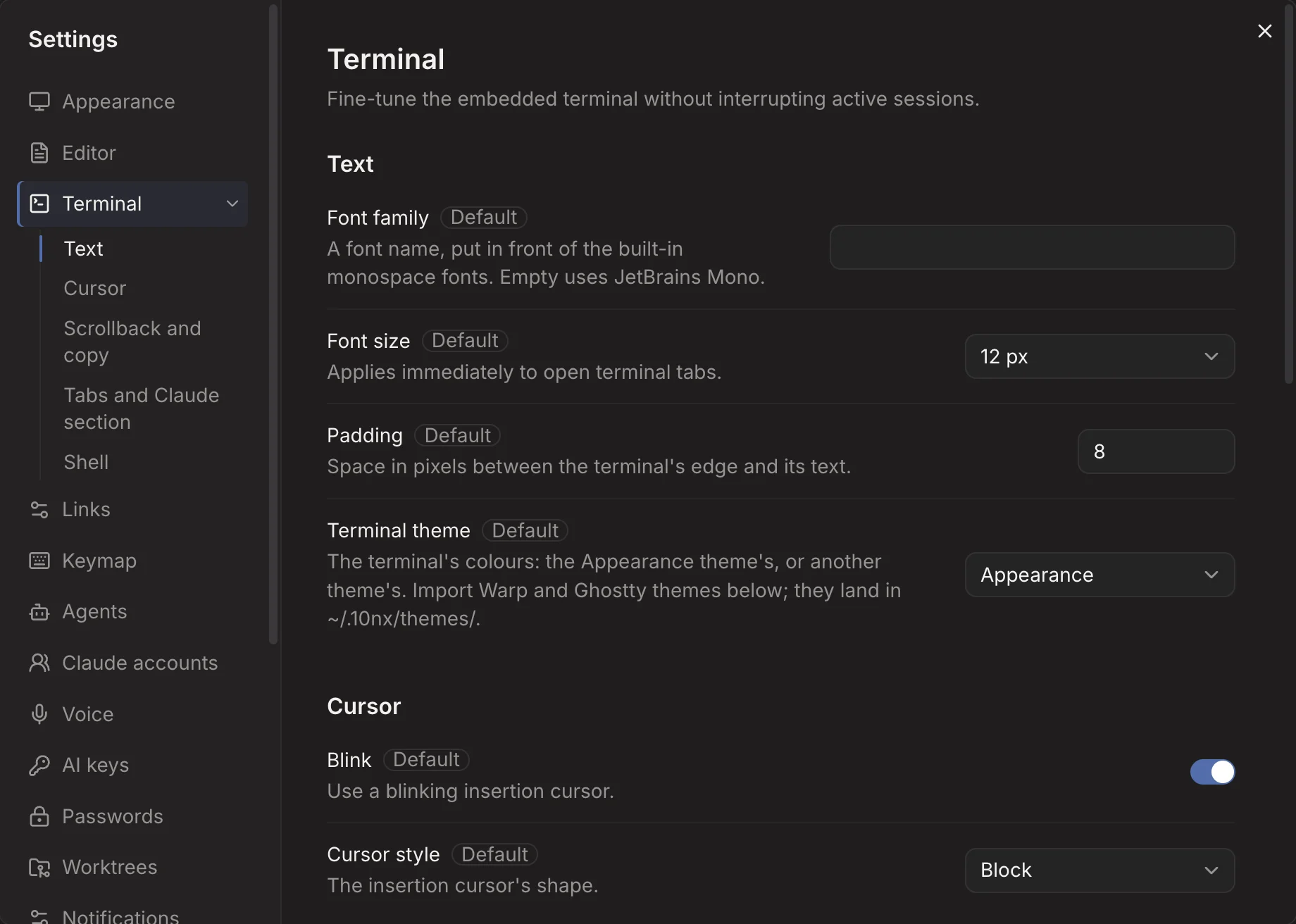
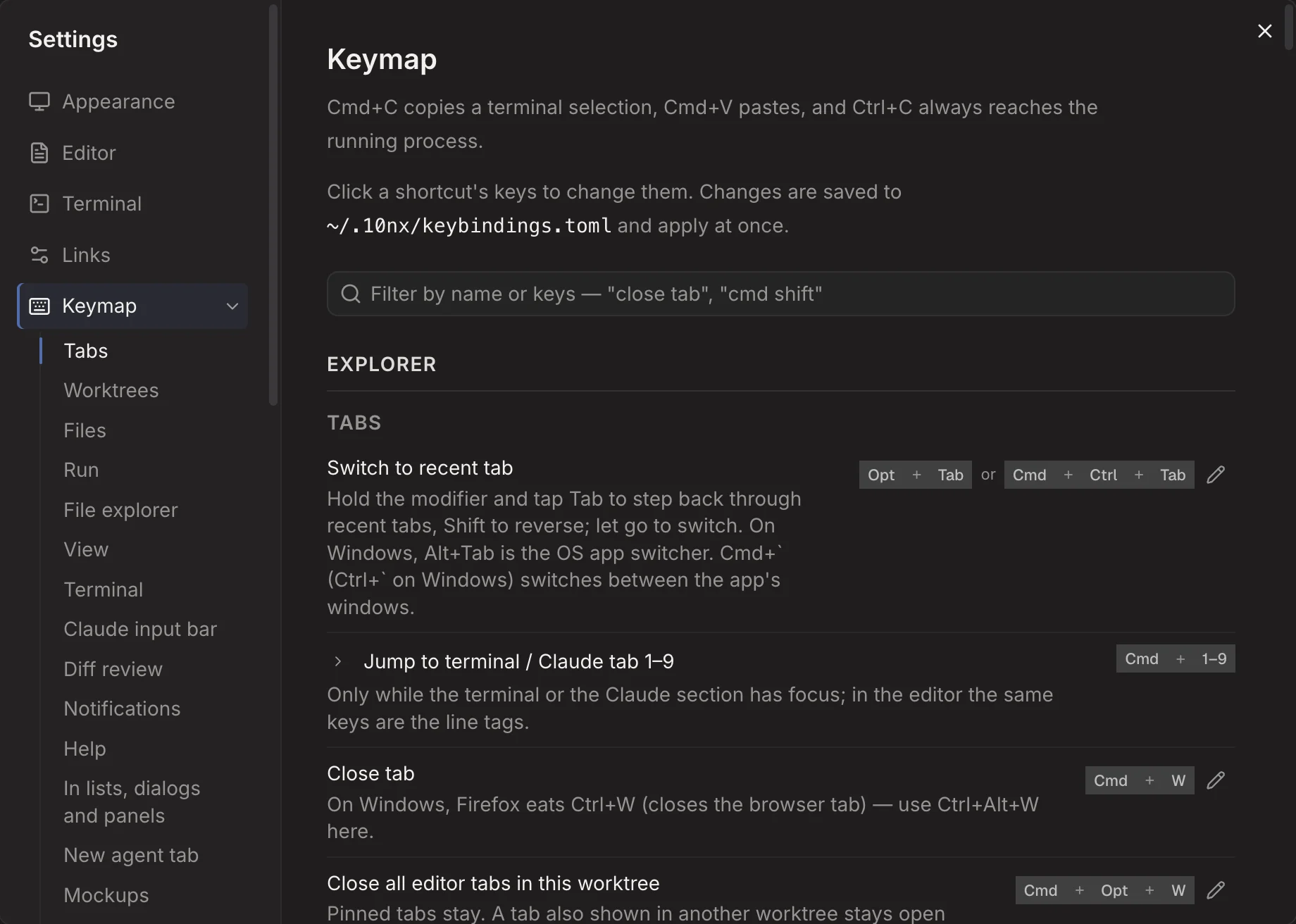
Open Settings with the gear near the right end of the bottom status bar. It reopens on the page you last used. Cmd+/ opens it on the Keymap page.
Keymap lists every shortcut by area. Click a shortcut's keys to change them; your changes go to ~/.10nx/keybindings.toml.
Choose the layer
| Who should get the setting | Git | File |
|---|---|---|
| You, in every repo | Not in any repo | ~/.10nx/settings.toml |
| Only you, in one repo | Kept out by .10nx/.gitignore |
<repo>/.10nx/settings.local.toml |
| Everyone working in the repo | Commit it | <repo>/.10nx/settings.toml |
Your one-repo file wins over the repo's shared file, which wins over your user file. Some keys only make sense per person (your agents, your theme), so they're only read from ~/.10nx/settings.toml. Settings reference says which file each key may go in.
Change a setting in the app
- Open Settings and pick a page: Appearance, Editor, Terminal, Keymap, Agents, AI keys, Passwords, Worktrees, Run, or a plugin's page under Plugins.
- Change the value. It's saved straight away.
- On a page with repo settings, the layer picker beside a field says which file it goes to: User (~/.10nx), Repo (.10nx, shared) or Local (.10nx, only me). A value is saved back to the file it came from. A new repo value goes to your local file unless you pick the shared one.
Change a setting by hand
- Open the file in 10nx (or any editor). Create it if it isn't there.
- Add the key under its table:
[terminal]
font_size = 14
copy_on_select = false

[agents]
default = "codex"
- Save. Comments you write are kept when the Settings window saves the file later.
10nx checks every file when it reads it. An unknown key or a value of the wrong type is an error, and the rest of the file still applies. A per-person key in a repo file is ignored, with a note saying so. A file that isn't valid TOML is skipped whole until you fix it.
Share settings with your team
- Put the repo-wide keys (
scripts.setup,files_to_copy,[scripts.run.*]and so on) in<repo>/.10nx/settings.toml. - Commit it. Everyone who opens the repo in 10nx gets them.
- A new worktree reads the shared file as it is on the branch the worktree starts from, so a change reaches new worktrees once it's merged into that branch.
Your settings.local.toml is always read from the main checkout, so it applies in every worktree, including new ones.
Check it worked
Open Settings and look at the field: it shows the value and which file it came from. For a hand-edited file, an error shows on the page it belongs to.
Next steps
- Settings reference: every key
- Settings files: precedence, merging and checks in detail
- Set up a repo for worktrees